How to delete your Neo account
You can delete your Neo account yourself from Settings on the NEO website . Nothing is removed right away. After you confirm, Neo starts a 30-day grace window. Sign back in during that period to cancel.
After 30 days, personal information is gone for good. The same email cannot be used to create a new account. Files that live only on your computer are not touched.
How to delete your account
This is done on the website. There is no ticket or email path to delete an account.
Sign in
Go to the NEO website and sign in to the account you want to delete.
Open Settings
Click your profile icon, then select Settings.
Open Danger zone
Find Danger zone in Settings. Read the 30-day message, then click Delete account.
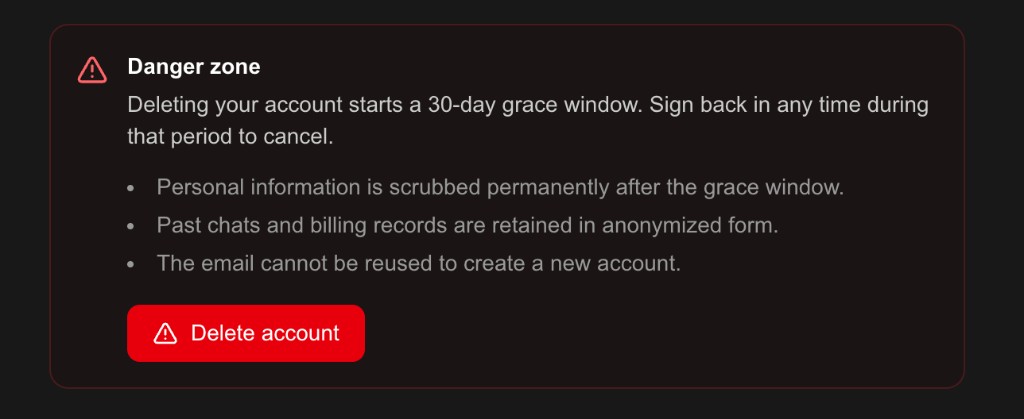
That click schedules deletion. The account is still there until the grace window ends.
What happens next
Until those 30 days end:
- The account is marked for deletion.
- You can still sign in. Signing in does not cancel deletion on its own.
- If you never sign in and choose Cancel deletion, the grace window runs out.
After the grace window:
- Personal information is scrubbed permanently.
- Past chats and billing records are kept in anonymized form.
- That email cannot be reused to create a new account.
Cancel deletion
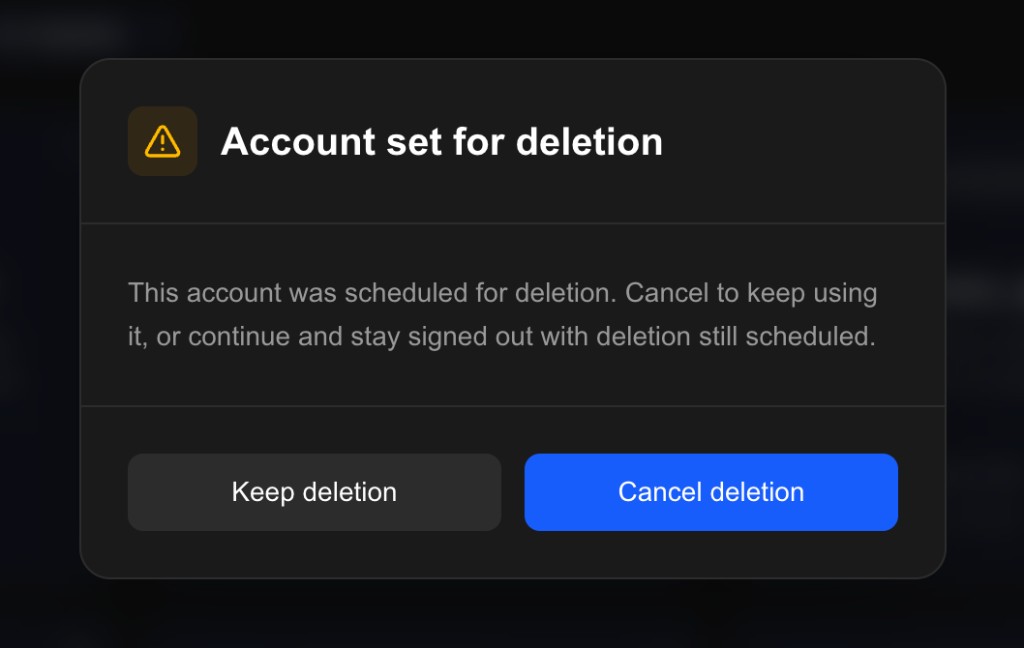
The next time you sign in, Neo shows this popup:
Keep deletion
Neo signs you out. The 30-day schedule keeps running.
Cancel deletion
Neo cancels deletion. You stay signed in and can keep using the account.
Keep deletion does not delete the account immediately. It only leaves the schedule in place. You can come back later, still within the 30 days, and choose Cancel deletion.
After 30 days
If you do not cancel in time, Neo permanently removes personal information. There is no restore. That email cannot be used for a new account.
Work that lives only in a local VS Code or Cursor folder stays on your machine.
FAQ
No. Delete it from Settings on the NEO website . Use [email protected] for other account questions, not for this flow.
No. Sign-in opens the Account set for deletion popup. Deletion is cancelled only if you choose Cancel deletion.
Neo signs you out and leaves the 30-day schedule in place. The account is not deleted until that window ends.
No. After the grace window, that email cannot be reused to create a new account.
No. Local editor files stay where they are. On Neo, personal information is scrubbed after 30 days. Past chats and billing records are kept in anonymized form.